Blur
You might not have realized it until now but the text we create is quite sharp. This sharpness is at odds with most of the text that we see in video. In order to blend our text to the video, we must blur our text as well.
This makes blur the most essential tag for typesetting because signs that do not use blur do not blend in at all. Almost all the signs you typeset will require blur.
Blur Tag
Local / Transformable Tag
Applies blur to the text
| Format | Description |
|---|---|
| \blur<strength> | Blur the text with <strength> |
Examples

Fill, Shadow and Border
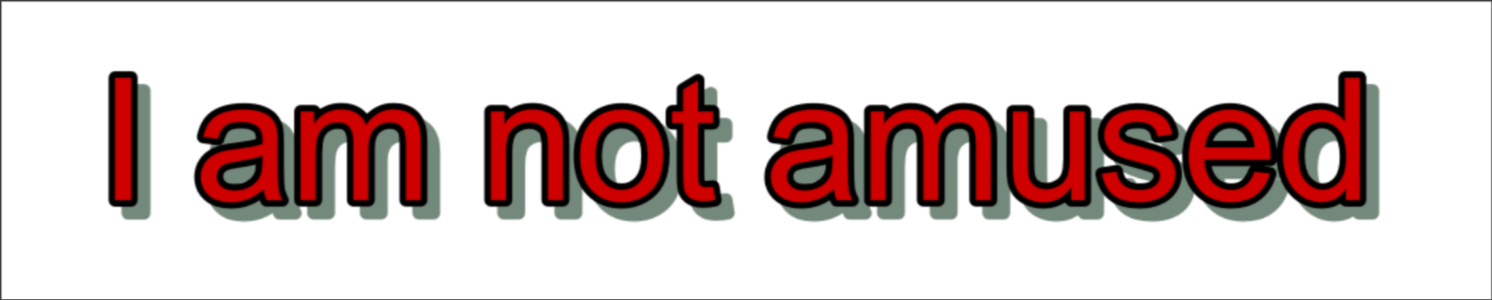
In the image above, you can probably already identify border and shadow. We
even learned the tags for it when we learned the basics ASS tags. So the
only thing left is the fill. As you might have guessed it, the red part,
the actual text is called fill. This term comes up frequently so it's important
to know. When you are talking to other typesetters, you
can't be the only one who raises their hand and say, "What the hell is the fill?"
| Color | Name |
|---|---|
| Red | Fill |
| Black | Border |
| Grey | Shadow |
Border and Blur
The blur tag that we learned above works differently based on the border and shadow you apply to the fill. The main difference lies in whether a text has border or not. If you apply the blur to the text with following cases:
- No border + No shadow: Fill will be blurred.
- No border + Shadow: Both fill and shadow will be blurred.
- Border + Shadow: Both border and shadow will be blurred but fill will not be blurred.
Info
In short, if a text has border, everything that is border and outside will be blurred otherwise everything will be blurred.
Example
Let us take the text with no border, shadow and blur as an example:
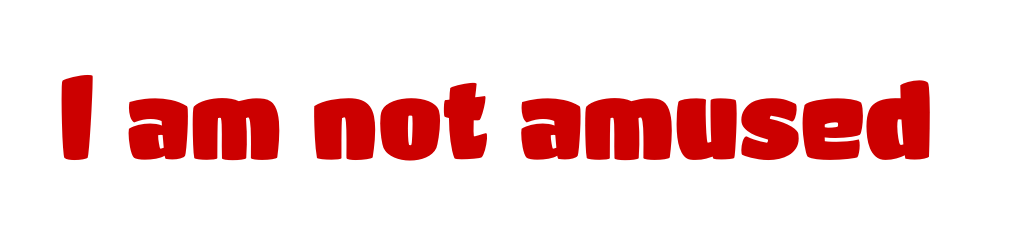
{\bord0\shad0\blur5}

{\bord5\shad0\blur5}
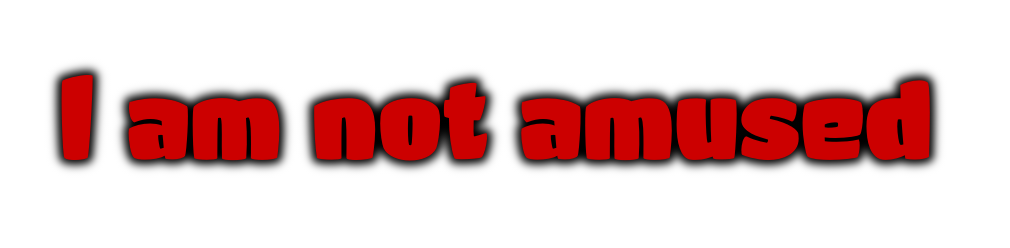
{\bord5\shad10\blur5}
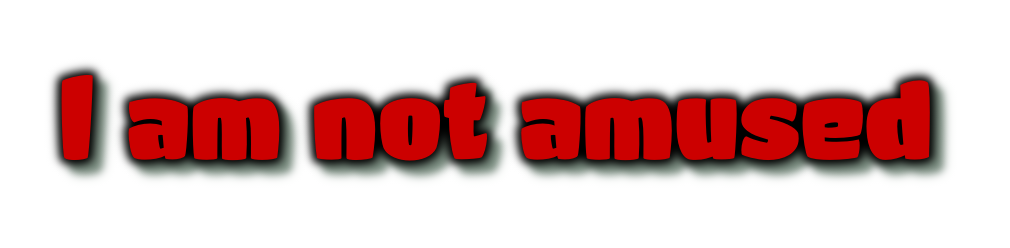
{\bord0\shad10\blur5}

I really want you to really observe above examples closely and learn what is happening. As many times as you require.
You will observe that as long as you have bord tag in a line, the fill will
never be blurred. So what if we have a text that has a border? Can we not blend
such text with the video? The blurred border makes the fill even sharper. This
is where layers come in.
We're Gonna Blur That Fill
Blurring fill, border and shadow all at once is definitely possible. However, we must use two lines with one on top of another.

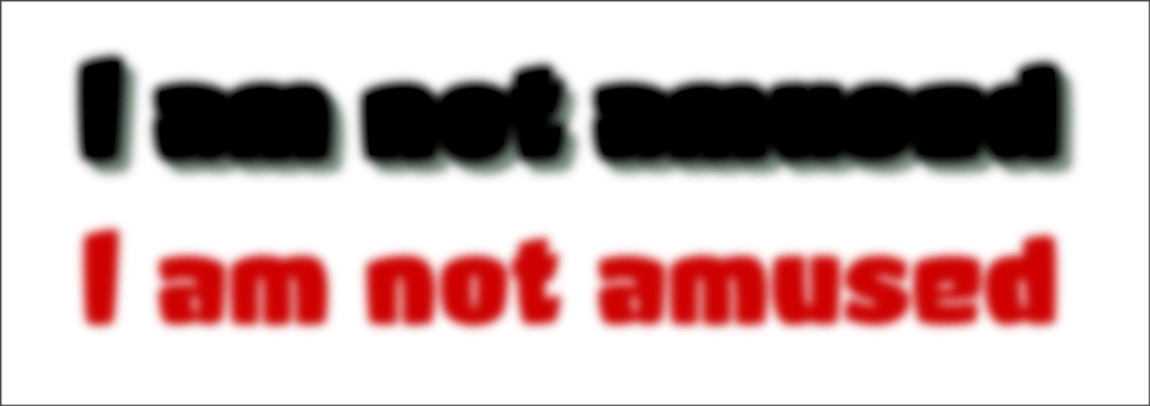
The line in the image above is made up of two lines with same position:
- Lower layer: Has border and shadow with blur applied. The border color is same as fill color.
- Upper layer: Has only fill with same blur applied.
Note
Do you notice the logic in the layering above? The lower layer has border and shadow blurred but the fill is not blurred. The upper layer has no border or shadow and its fill is blurred and it is covering the unblurred fill below. Thus we have all fill, shadow and border blurred.
Just in case, my explanation is not clear, here's the same text as above but side by side:
I will reiterate that the effect that having same fill color as the border is really important. Can you even notice that the fill is unblurred in the lower layer above?
Try it yourself
Just reading won't do. Try to recreate the line yourself.
-
Type out a text in
Edit Box. -
Set its border to 0, shadow to 0, primary color to red and apply a blur. Set it's layer to 1.
-
Duplicate the line, set its border, shadow. Make both fill and border same color. Apply the same blur. Set it's layer to 0.
You should end up with the line similar to example above.